


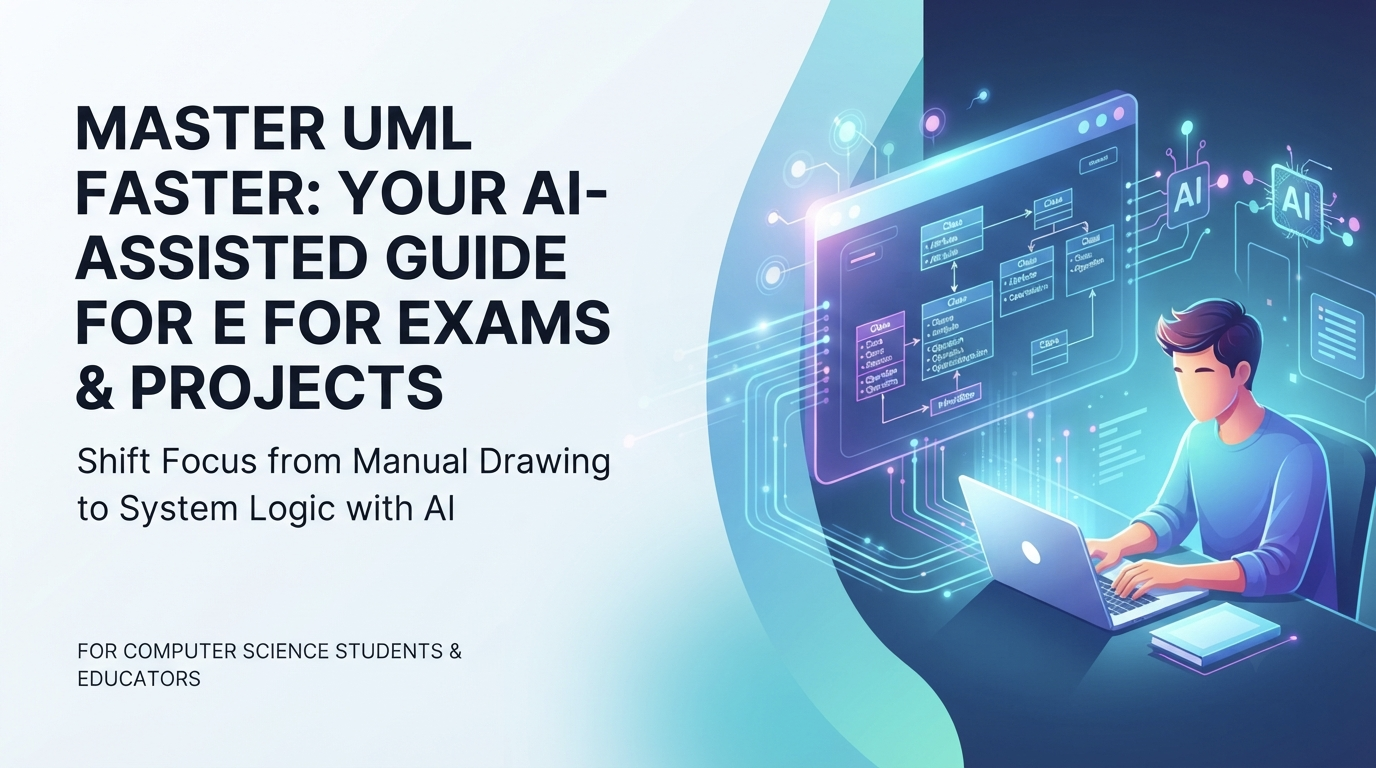
For computer science students and educators, Unified Modeling Language (UML) remains a cornerstone of software engineering education. However, mastering UML often presents a steep learning curve. Students are frequently required to memorize complex notations, understand strict relationship rules, and manually draw intricate diagrams like Class, Sequence, and State charts. The pressure to get every symbol and arrow correct can distract from the primary goal: understanding the system’s logic.
The Traditional Struggle with UML
Traditionally, learning UML involves hours of trial and error. A student might spend twenty minutes trying to connect a “Generalization” line correctly, only to realize they have confused it with an “Association.” In exam scenarios or tight project deadlines, this friction leads to frustration and potential errors in grading.
Furthermore, many students struggle to translate a textual problem statement into a visual model. They know *what* the system does but find it difficult to represent that behavior using standard symbols without making mistakes in the drawing tool itself.
How AI Transforms the Learning Process
Artificial Intelligence acts as a powerful tutor and accelerator. Instead of starting with a blank canvas, a student can describe the scenario in plain English. The AI analyzes the text, identifies the actors, objects, and interactions, and generates a valid UML diagram instantly.
This approach serves three critical educational purposes:
- Visualizing Concepts: It turns abstract descriptions into concrete visuals, helping students grasp relationships between classes or the flow of messages in a sequence diagram immediately.
- Reducing Syntax Errors: Since the AI adheres to UML standards, the generated diagram is syntactically correct. This allows the student to review the structure without worrying about missing arrows or incorrect line styles.
- Rapid Prototyping: Students can test multiple design patterns quickly. If one approach doesn’t work, they can ask the AI to refine the prompt and generate a new variation in seconds.
A Practical Workflow for Students
To maximize the benefits of AI in academic projects, students can adopt a structured workflow:
Step 1: Define the Problem
Start by writing a clear description of the system. For example: “A library system where members can borrow books, return them, and pay fines. There are different types of members like students and faculty.”
Step 2: Generate the Diagram
Input this description into an AI diagramming chatbot. The tool will analyze the entities (Member, Book, Fine) and relationships, generating a Class Diagram or Use Case Diagram. The student receives a professional-grade draft instantly.
Step 3: Review and Refine
This is the most crucial step for learning. The student reviews the AI-generated output. Did the AI include the correct inheritance hierarchy? Is the multiplicity correct? This review process reinforces theoretical knowledge. The student can then ask follow-up questions, such as “Add a constraint that a member can only borrow 5 books at a time,” and watch the model update dynamically.
Step 4: Deepen Understanding
Once the diagram is generated, the student should explore its properties within a full modeling environment. Understanding attributes, methods, and constraints goes beyond the image. This is where tools like Visual Paradigm excel, allowing the student to import the AI-generated draft and edit it deeply, ensuring they understand the underlying data structure.
Why Visual Paradigm is Ideal for Education
While many tools offer basic diagramming, Visual Paradigm provides an ecosystem tailored for both rapid generation and deep learning. Their AI-Powered UML Diagram Generator is designed to help students bridge the gap between theory and practice.
Unlike simple generators that output static images, Visual Paradigm allows students to:
- Iterate Conversationally: Ask questions to refine the model, simulating a dialogue with a mentor.
- Access Full Specifications: Click on any element to see detailed attributes and operations, reinforcing the link between the diagram and code.
- Support Multiple Standards: Beyond UML, students can explore BPMN for business processes or ERD for database design within the same interface.
Conclusion: Focus on Logic, Not Just Lines
The goal of studying UML is not to become a master drafter, but to become a proficient system designer. AI tools remove the barrier of manual drawing, allowing students to concentrate on architectural decisions, system behavior, and logical consistency.
By leveraging an AI UML diagram generator, students can accelerate their learning curve, produce higher-quality project deliverables, and gain a deeper understanding of software architecture. In the modern classroom, the ability to describe a system and see it come to life is a skill that prepares them for the future of software development.
Related posts:
 AI State Diagram Generator: A Skeptic’s Guide to Seeing It Actually Work
 Finding the Right AI Flowchart Tool: Why Visual Paradigm Stands Out
The Complete Guide: Integrating Visual Paradigm Flipbooks & Digital Bookshelves with OpenDocs
From Prompt to Precision: A User’s Journey with Visual Paradigm’s Enhanced AI ArchiMate Genera
Finding the Right AI Flowchart Tool: Why Visual Paradigm Stands Out
The Complete Guide: Integrating Visual Paradigm Flipbooks & Digital Bookshelves with OpenDocs
From Prompt to Precision: A User’s Journey with Visual Paradigm’s Enhanced AI ArchiMate Genera