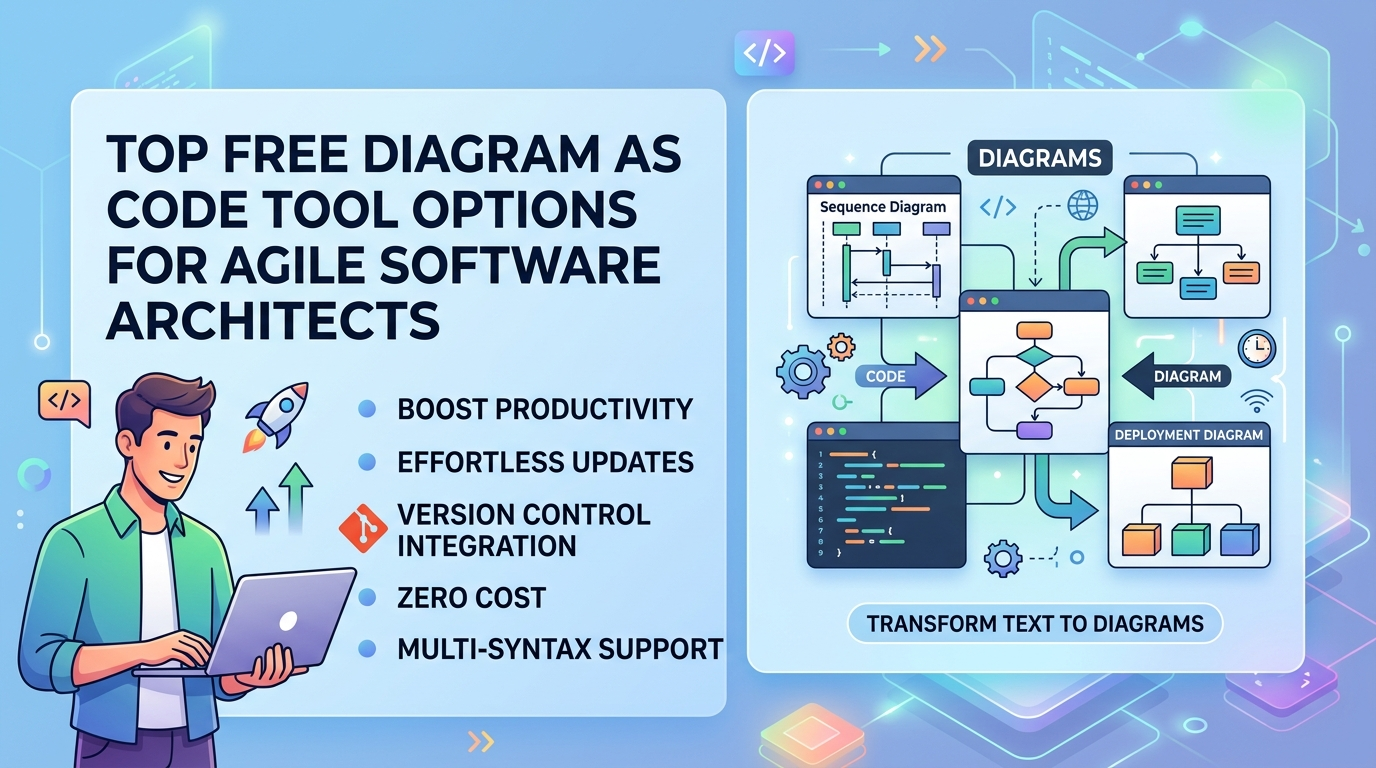
In modern software development, keeping architecture documentation up to date is a notorious bottleneck. Traditional visual editing suites require manual adjustments, licensing fees, and complex exports that fall out of sync the moment a developer pushes new code. This friction has pushed engineering teams toward a lean documentation workflow: writing architecture using text.
When searching for a free diagram as code tool, developers frequently hit a wall. Many standalone solutions lock advanced formatting behind paywalls or restrict you to a single rendering engine. If your team needs to switch between a quick flowchart and a highly detailed system blueprint, you end up bouncing between fragmented web apps.
Visual Paradigm VPasCode changes this dynamic by offering a powerful, multi-syntax online text to diagram tool that provides its core text-based UML diagram editing completely free.
Why Engineers Prefer a Free Diagram as Code Tool over Drag-and-Drop
Using a dedicated diagram as code software platform completely removes the visual overhead of designing. Instead of manually dragging shapes, aligning grids, and fixing broken arrows, you use plain text syntax to declare how components interact. The rendering engine handles the visual layout automatically.
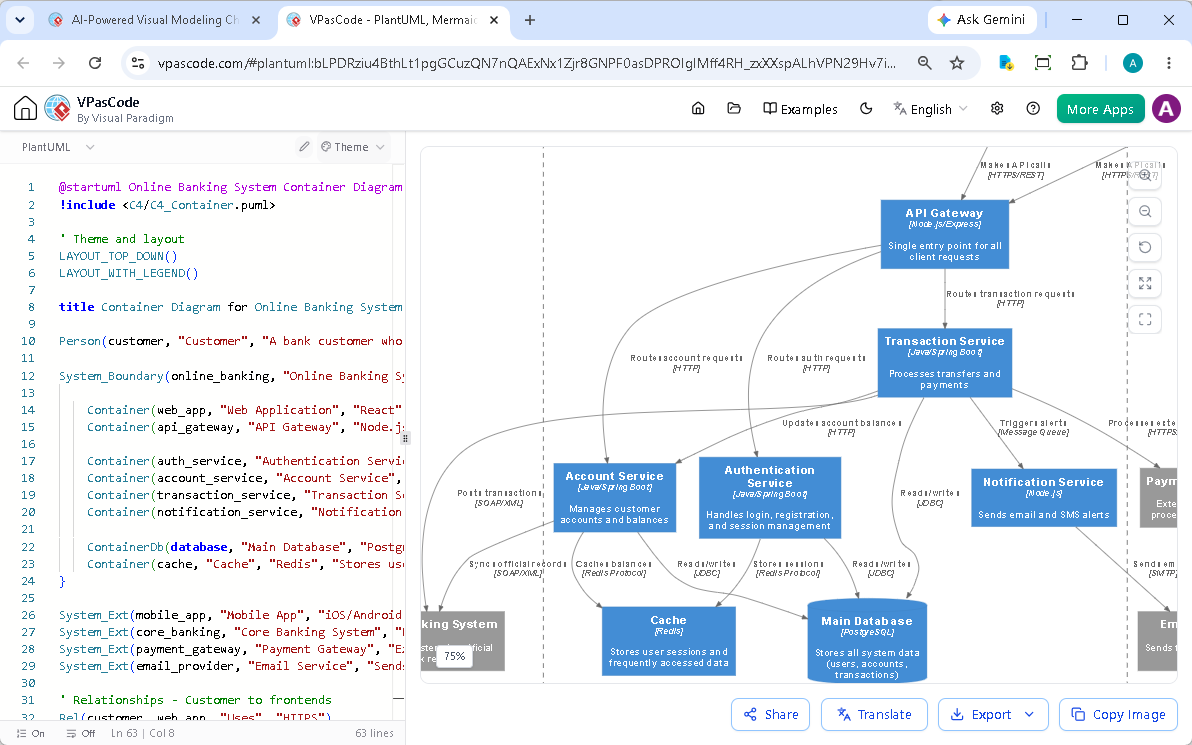
This text-first architecture provides massive operational benefits:
- Version Control Integration: Because you create diagram from text, your visual files are stored as plain text (.txt, .md, .puml) directly alongside your codebase. You can track changes, review architecture updates via Git Pull Requests, and roll back versions easily.
- Zero Maintenance Overhead: If an infrastructure dependency changes, you simply edit a line of text in your text-to-diagram tool. The layout instantly self-corrects.
- No Licensing Bottlenecks: With a robust free diagram as code tool like VPasCode, your entire engineering organization can read, edit, and contribute to documentation without needing expensive enterprise design licenses.
Unmatched Syntax Freedom: Beyond a Single Standard
Most free utilities constrain you to one specific syntax language. VPasCode breaks this barrier by acting as an all-in-one execution engine. Within the exact same free interface, you can write native syntax for:
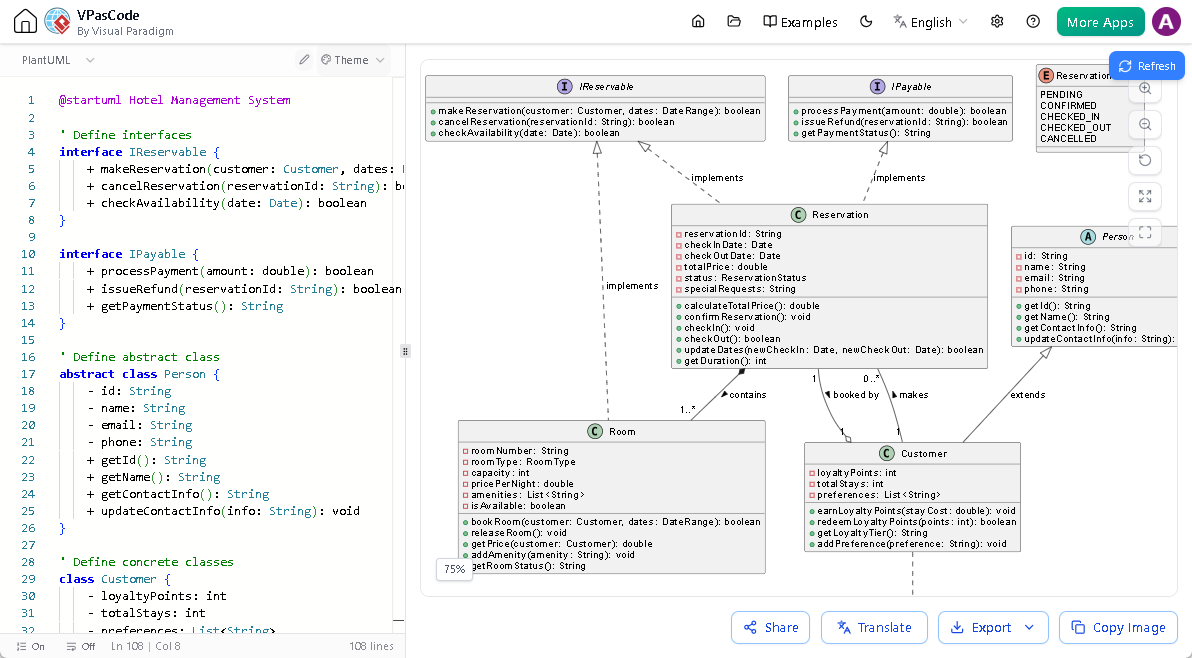
- PlantUML: The industry gold standard for complex structural design, including precise class diagram, sequence diagram, and use case diagram layouts.
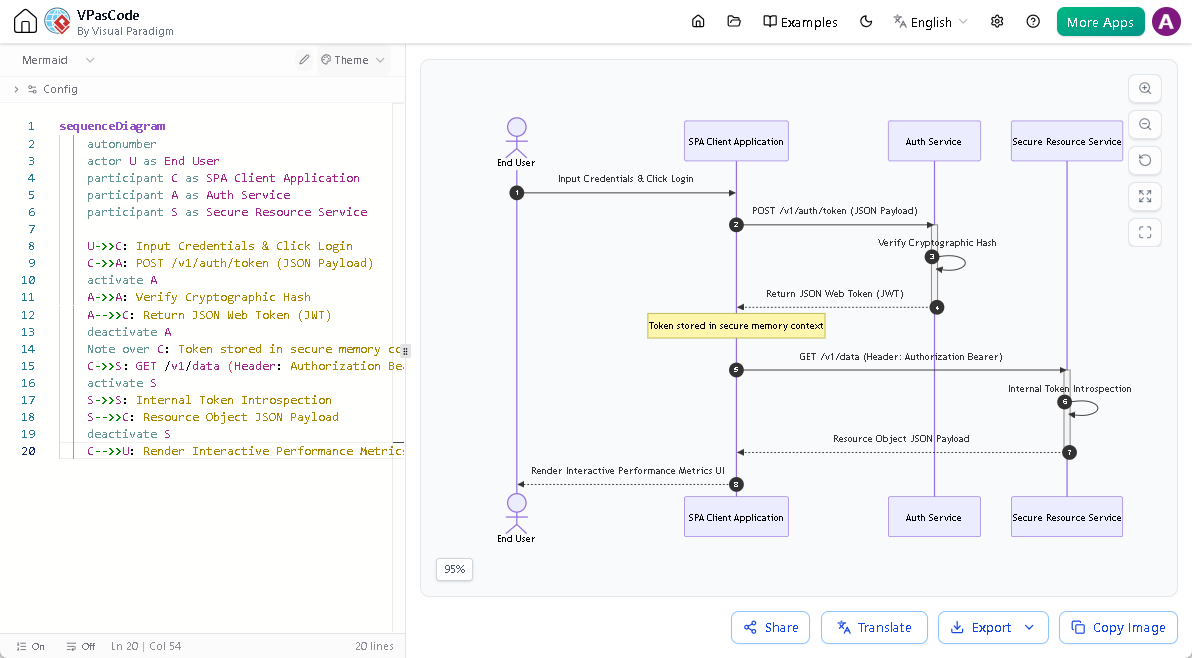
- Mermaid: A lightweight, markdown-friendly choice for generating rapid user journeys, flowcharts, and mind maps.
- Graphviz: The definitive tool for complex mathematical structures, network topologies, and highly customized data flow networks.
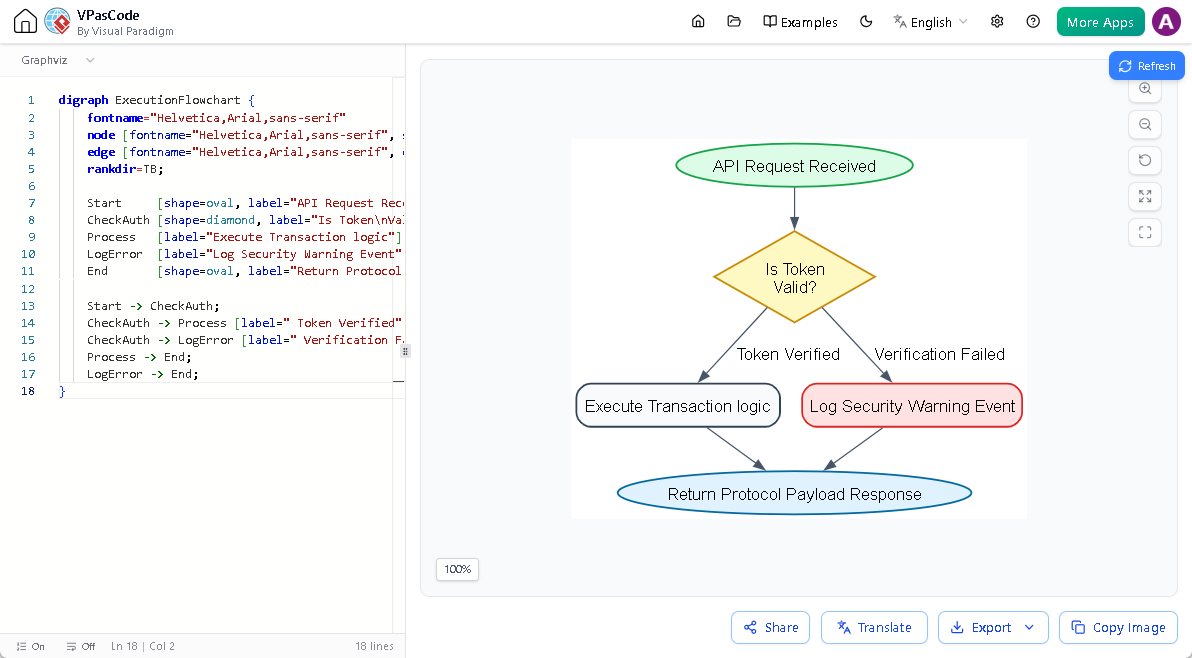
By unifying these formats, VPasCode ensures you never have to install multiple extensions or adapt your documentation to fit the arbitrary limits of a rigid tool.
Seamless Integration with Enterprise Knowledge Bases
While the core rendering and editing capabilities of VPasCode are free, the software bridges the gap between raw developer code and polished corporate knowledge sharing. Once you finish tweaking your design, you can send the output directly to Visual Paradigm OpenDocs. This allows teams to instantly embed living, text-managed diagrams into wider technical specifications, onboarding manuals, and API documentations, ensuring that non-technical stakeholders always have an accurate, up-to-date window into system engineering.